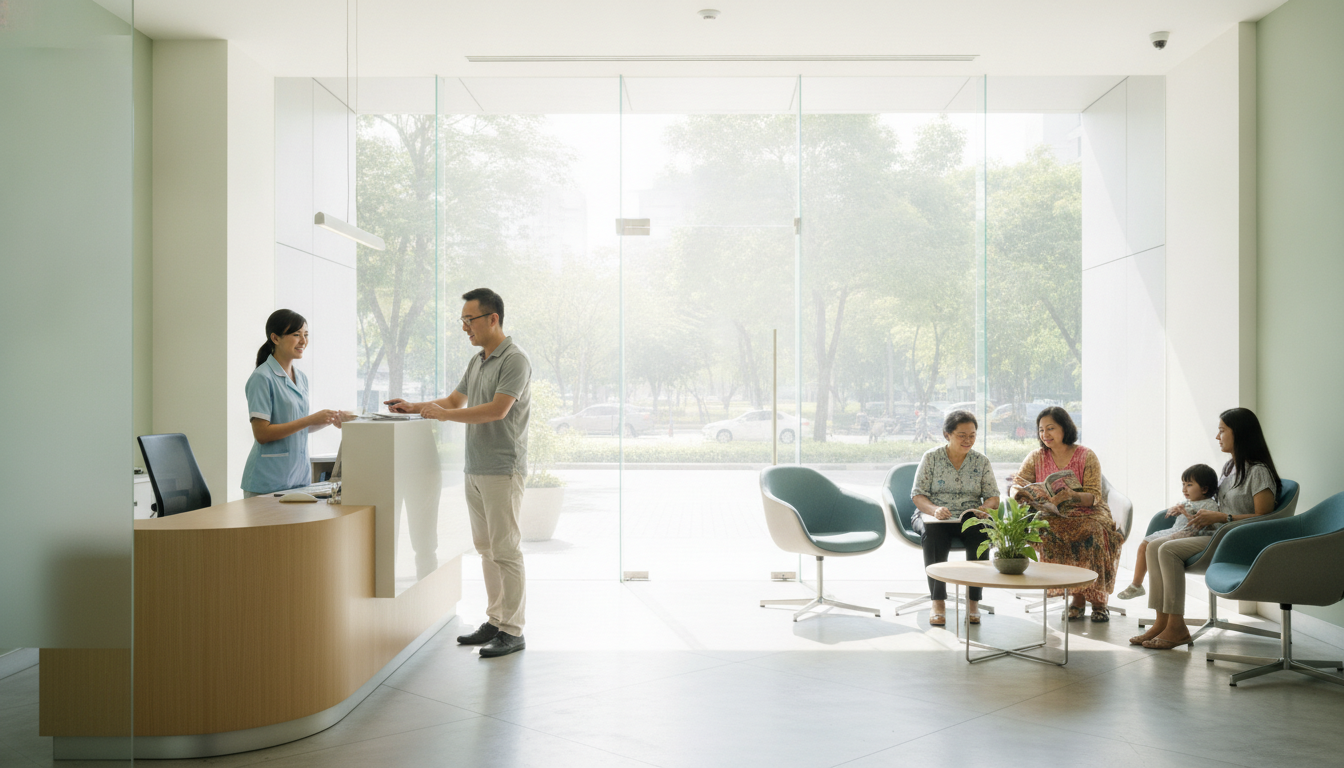
Setting up a Google Business Profile Malaysia listing is the fastest, free way for your kedai, workshop, dental clinic, or retail shop to appear on Google Maps and local search results. When neighbours nearby search for “klinik gigi near me” or “car service Subang”, an active profile displays your phone number, exact shop address, operating hours, and customer reviews right at the top of the search page.
To get started, visit business.google.com, sign in with your business email, claim your exact shop location, and complete the verification process. Once verified, updating your opening hours, adding clear shopfront photos, and linking your WhatsApp number will help you convert casual searchers into foot traffic and direct appointments.
Why Local Visibility Matters for Malaysian Brick-and-Mortar Businesses
Most Malaysian consumers pull out their smartphones before visiting a physical store. Whether they need urgent flu medicine, a quick haircut, or dinner with family, people check Google Maps to see if you are open and easy to reach.
If your business does not appear on Google Maps, potential walk-in customers will simply head to the competitor down the street. A solid presence builds instant trust, especially when local customers see real photos of your shopfront and positive Google reviews.
Connecting your local listing with an easy-to-use digital presence also keeps leads warm. If you run special services or accept bookings, linking your map listing to a fast, clean website built through Web & App Development ensures potential clients can find treatment details or product menus without confusion.
Step-by-Step: Setting Up Your Google Business Profile in Malaysia
Setting up your listing takes about fifteen minutes. Follow these practical steps to get your kedai or clinic ready for local searchers:
- Sign in to Google Business Profile: Go to google.com/business and log in using your company Gmail address rather than a personal account.
- Enter your exact business name: Use your official brand name as shown on your signboard. Avoid stuffing keywords into the title (such as adding “Best Murah Kedai”) as Google may suspend your profile.
- Choose the most accurate category: Pick a primary category that best matches your daily operations, such as “Dental Clinic”, “Auto Repair Shop”, or “Cafe”.
- Add your physical address: Enter your lot number, street, postcode, and town accurately so the Google Maps pin drops precisely at your entrance.
- Set your phone and website details: Provide your office landline or direct mobile number. If you run a custom platform or booking system, paste your direct website link.
- Complete the verification: Google usually verifies Malaysian businesses via instant mobile phone OTP, email code, or a short recorded video showing your signboard, street address, and interior space.
Optimising Your Profile to Win Walk-Ins and WhatsApp Inquiries
Creating your listing is only half the battle. To rank ahead of nearby shops, your profile needs complete, up-to-date information that helps busy customers make an instant decision.
1. Keep Business Hours and Public Holidays Updated
Nothing frustrates a customer more than driving through traffic to find your shutter doors closed. Keep regular business hours updated, and remember to set holiday hours before Raya, Chinese New Year, Deepavali, or Merdeka Day.
2. Upload Bright, Real Photos
Skip generic stock graphics. Instead, snap simple photos using your phone showing:
- Your exterior signboard so drivers can spot your shop from the main road.
- The reception counter, dining floor, or clinic waiting lounge.
- Your parking area or nearby landmarks that make your shop easy to find.
Clean visuals work hand-in-hand with cohesive brand presentation. If your physical premises or signage need visual polish, refining your style through thoughtful Creative & Brand Strategy makes your brand memorable both online and offline.
3. Add a WhatsApp Chat Link
Most Malaysians prefer sending a quick message over calling. Place your WhatsApp click-to-chat link inside your appointment link field or profile description so customers can inquire about appointment slots or stock availability with one tap.
Collecting and Managing Reviews Without Stress
High ratings and consistent reviews signal to Google that your clinic or shop is legitimate and popular. Reviews also give nervous first-time customers the confidence to walk in.
You can encourage authentic reviews by printing a small tabletop QR code at your payment counter. After a customer pays using DuitNow QR or cash, politely invite them to scan the card and leave quick feedback.
When replying to reviews, keep these principles in mind:
- Acknowledge positive feedback promptly: A simple “Terima kasih, see you again next time!” shows readers that real people run the business.
- Handle negative reviews calmly: Never argue in public comments. Apologise for their experience and invite them to reach out on WhatsApp to resolve the issue privately.
For more ideas on transforming digital interest into paying visitors, check our breakdown on closing the gap between vanity traffic and ringgit sales.
Common Pitfalls Malaysian Business Owners Should Avoid
Many local business profiles stay hidden because of small setup mistakes. Here are three errors to avoid:
- Duplicate listings: Having multiple pins for the same address confuses Google’s algorithm and splits your customer reviews. Merge or remove old pins promptly.
- Mismatched contact info: Ensure your phone number and address on Google match what appears on your Facebook page and official invoices.
- Ignoring customer questions: The public Q&A section lets anyone ask questions. Check it weekly so incorrect answers from strangers do not mislead prospective patients or buyers.
Pairing your profile with thoughtful digital planning ensures steady footfall. Businesses looking to refine their entire digital footprint can explore Strategic IT Consultancy to connect their local presence, internal tools, and customer databases seamlessly.
Quick FAQ: Google Business Profile Malaysia
Is Google Business Profile completely free for Malaysian businesses?
Yes. Setting up, claiming, verifying, and maintaining your listing on Google Maps is 100% free. You do not need to pay any recurring subscription fees to appear on Google Maps.
How long does profile verification take in Malaysia?
Phone OTP and email verifications are usually instant or take a few minutes. If Google requests video verification of your storefront, the review typically takes between three to five business days.
Can I run a profile if I operate an online business from home?
Yes, but you should configure it as a “Service Area Business”. This allows you to show the areas or cities you serve (such as Petaling Jaya or Shah Alam) without displaying your home residential address publicly on the map.
Need a hand?
Struggling with slow software, messy spreadsheets, or duplicate data entry in your operations? Talk to the team at IAMK Digital for a free 15-minute diagnostic chat at iamkdigital.com/connect with zero sales pressure.